
Critical requirement missing: qtpaths Install it and try again

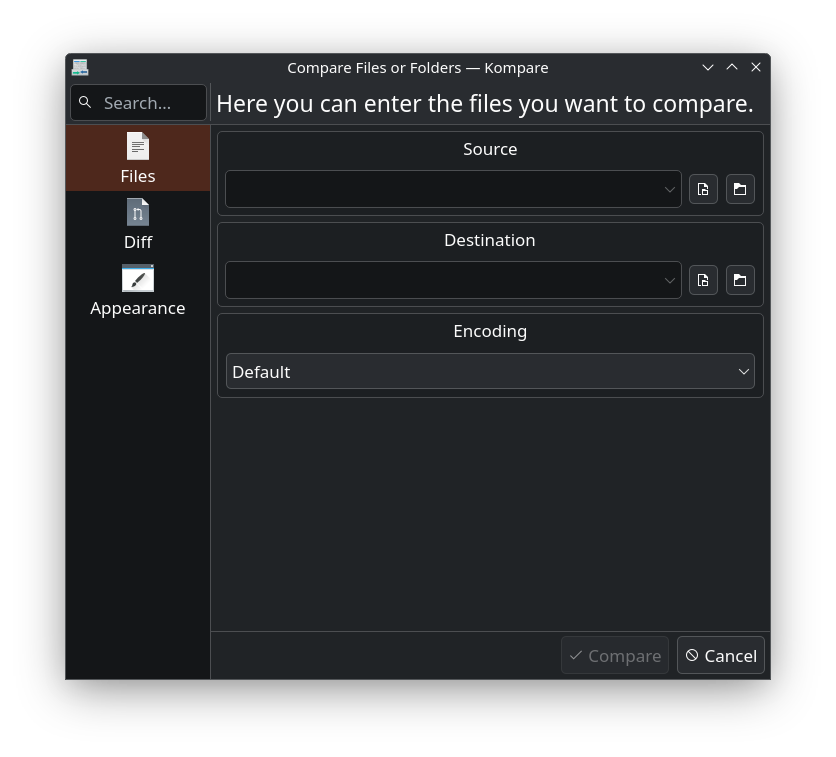
I opened the Discover software and it said there are updates for certain packages. I wanted to update Kompare. But after it ran. I get this in the terminal. How to solve this Critical requirement missing: qtpaths(6). Install it and try again!: #-=[==========================================]=-# #-=[ ]=-# #-=[ WELCOME TO: ]=-# #-=[ ]=-# #-=[ Compare with Kompare v1.2.0 service menu ]=-# #-=[ ]=-# #-=[==========================================]=-# [-] Installer: ServiceMenuInstallerScript v3.0.0 [-] Logging to: /home/adam/.local/share/servicemenu-download/compare-with-kompare-1.2.0.bundle.tgz-dir/compare_with_kompare/install.log [-] N. Parameters: 0 [-] No parameter given, default to --install QThreadStorage: Thread 0x5562ab9092b0 exited after QThreadStorage 8 destroyed QThreadStorage: Thread 0x5562ab9092b0 exited after QThreadStorage 3 destroyed QThreadStorage: Thread 0x5562ab9092b0 exited after QThreadStorage 2 destroyed /home/adam/.local/share/servicemenu-download/compare-with-kompare-1.2.0.bundle.tgz-dir/compare_with_kompare/install.sh: 97: --locate-dirs: not found /home/adam/.local/share/servicemenu-download/compare-with-kompare-1.2.0.bundle.tgz-dir/compare_with_kompare/install.sh: 98: --writable-path: not found [-] System: Debian GNU/Linux 13 (trixie) [-] Desktop Environment: Plasma 6 [-] Source path: /home/adam/.local/share/servicemenu-download/compare-with-kompare-1.2.0.bundle.tgz-dir/compare_with_kompare [>] Checking for requirements: [V] Destination path is writable: . [V] Supported language: en [E] Critical requirement missing: qtpaths(6). Install it and try again! [-] Service menu: Compare with Kompare v1.2.0 [-] Installer: ServiceMenuInstallerScript v3.0.0 [-] Logging to: /home/adam/.local/share/servicemenu-download/compare-with-kompare-1.2.0.bundle.tgz-dir/compare_with_kompare/install.log [-] N. Parameters: 0 [-] No parameter given, default to --install [-] System: Debian GNU/Linux 13 (trixie) [-] Desktop Environment: Plasma 6 [-] Source path: /home/adam/.local/share/servicemenu-download/compare-with-kompare-1.2.0.bundle.tgz-dir/compare_with_kompare [>] Checking for requirements: [V] Destination path is writable: . [V] Supported language: en [E] Critical requirement missing: qtpaths(6). Install it and try again! adam@laptop:~/.local/share/servicemenu-download/compare-with-kompare-1.2.0.bundle.tgz-dir/compare_with_kompare$ sudo apt install qtpaths [sudo] password for adam: Error: Unable to locate package qtpaths adam@laptop:~/.local/share/servicemenu-download/compare-with-kompare-1.2.0.bundle.tgz-dir/compare_
ChatGPT 5.2 said:
That installer isn’t complaining about Kompare itself — it’s complaining that your system is missing the Qt6 tool qtpaths6 (it uses it to find KDE/Plasma paths for the Dolphin service menu). On Debian 13, qtpaths6 is not in a package called qtpaths; it comes from qt6-base-dev-tools.
Run:
sudo apt updateQuick sanity check:
command -v qtpaths6Then re-run the installer from that directory (or just run it explicitly):
bash ./install.sh --installWhy you saw --locate-dirs: not found
Those lines happen because the script tries to run something like:
$QT_PATHS_BIN --locate-dirs…but since qtpaths6 wasn’t installed, that variable ends up empty, so the shell tries to execute --locate-dirs as if it were a command.
Once qt6-base-dev-tools is installed, that goes away.
If anything still fails after that, paste the output of:
qtpaths6 --locate-dirsI don't know it if worked, I see 3 qstorage destoyed errors at the bottom. adam@laptop:~$ command -v qtpaths6 qtpaths6 --help | head /usr/bin/qtpaths6 Usage: qtpaths6 [options] [name] [properties] Command line client to QStandardPaths and QLibraryInfo Options: -h, --help Displays help on commandline options. --help-all Displays help, including generic Qt options. -v, --version Displays version information. --types Available location types. adam@laptop:~$ kompare -v kompare 4.2.25042 QThreadStorage: Thread 0x556a4dd574c0 exited after QThreadStorage 9 destroyed QThreadStorage: Thread 0x556a4dd574c0 exited after QThreadStorage 1 destroyed QThreadStorage: Thread 0x556a4dd574c0 exited after QThreadStorage 0 destroyed adam@laptop:~$
ChatGPT said:
Yep — it worked.
command -v qtpaths6returning/usr/bin/qtpaths6means the missing requirement is now installed.kompare -vprinted the version, so Kompare itself is launching fine.
About those “QThreadStorage … destroyed” lines
Those messages are not fatal errors. They’re Qt “warning-ish” shutdown noise that some KDE/Qt apps print when they exit (especially when run from a terminal). If Kompare opens and works normally in the GUI, you can safely ignore them.
If you just don’t want to see them in terminal output, you can suppress stderr:
kompare -v 2>/dev/nullVerify the Dolphin right-click service menu actually installed
On Plasma 6, Dolphin service menus typically land here:
ls -l ~/.local/share/kio/servicemenus | grep -i kompareIf you see a .desktop file there, it’s installed. Then restart Dolphin so it reloads service menus:
kquitapp6 dolphin 2>/dev/null; dolphin &(Or just close/reopen Dolphin.)
If you don’t see anything in that folder, re-run the installer script now that qtpaths6 exists:
cd ~/.local/share/servicemenu-download/compare-with-kompare-1.2.0.bundle.tgz-dir/compare_with_kompareIf it still doesn’t show up in Dolphin after that, paste the output of the installer run (the last ~30 lines) and I’ll tell you exactly where it placed the files or what it’s failing on.
You said:
ok, well, i can launch Kompare from the application launcher menu. so I guess its ok, but just showing you want I got below adam@laptop:~$ kompare -v 2>/dev/null kompare 4.2.25042 adam@laptop:~$ ls -l ~/.local/share/kio/servicemenus | grep -i kompare adam@laptop:~$ kquitapp6 dolphin 2>/dev/null; dolphin & [1] 6895 adam@laptop:~$ kf.kio.core.connection: Socket not connected QLocalSocket::PeerClosedError kf.kio.core: An error occurred during write. The worker terminates now. QThreadStorage: Thread 0x559e7dd428d0 exited after QThreadStorage 8 destroyed QThreadStorage: Thread 0x559e7dd428d0 exited after QThreadStorage 2 destroyed QThreadStorage: Thread 0x559e7dd428d0 exited after QThreadStorage 1 destroyed QThreadStorage: Thread 0x558739d9d2b0 exited after QThreadStorage 9 destroyed
ChatGPT said:
Kompare itself is fine (it prints a version and launches). What didn’t happen yet is the Dolphin right-click service menu install.
1) Those Dolphin / KIO messages are basically harmless
When you do kquitapp6 dolphin; dolphin &, sometimes the old Dolphin/KIO worker dies mid-IPC and you see:
Socket not connected / PeerClosedErrorThe worker terminates nowQThreadStorage ... destroyed
That’s shutdown noise, not “your system is broken”.
If Dolphin is acting weird after that, just fully kill it and relaunch clean:
killall dolphin 2>/dev/null2) Why you don’t see the service menu
This line:
ls -l ~/.local/share/kio/servicemenus | grep -i komparereturned nothing, so the service menu file wasn’t installed (yet). Earlier, the installer aborted because qtpaths6 was missing — so it never copied the .desktop service menu into place.
3) Re-run the service menu installer now that qtpaths6 exists
Run this:
cd ~/.local/share/servicemenu-download/compare-with-kompare-1.2.0.bundle.tgz-dir/compare_with_kompareThen check again:
ls -l ~/.local/share/kio/servicemenus | grep -i kompareRestart Dolphin cleanly:
killall dolphin 2>/dev/null4) If it still doesn’t show up, find where it installed (or why it didn’t)
Check the installer log it mentioned:
tail -n 80 install.logAnd search for any installed service menu file:
find ~/.local/share -type f \( -iname '*kompare*' -o -iname '*compare*kompare*' \) 2>/dev/nullPaste the last ~80 lines of install.log if it still refuses — that will usually show the exact destination path it chose and what it did next.
thanks! now its good! we can move onto other things [>] Installing: compare_with_kompare.desktop [V] Service Menu installed! [V] Permissions correctly applied adam@laptop:~/.local/share/servicemenu-download/compare-with-kompare-1.2.0.bundle.tgz-dir/compare_with_kompare$ ls -l ~/.local/share/kio/servicemenus | grep -i kompare -rwxr-xr-x 1 adam adam 7444 Jan 6 13:43 compare_with_kompare.desktop adam@laptop:~/.local/share/servicemenu-download/compare-with-kompare-1.2.0.bundle.tgz-dir/compare_with_kompare$ killall dolphin 2>/dev/null dolphin & [1] 7156
Perfect — that’s exactly what you wanted:
- Service menu installed ✅ (
compare_with_kompare.desktopin~/.local/share/kio/servicemenus) - Dolphin restarted ✅
What do you want to tackle next?