Help me create a window banner


I want to make a banner for sports aspects.com website that’s just print on a standard sheet of paper in landscape mode and then I could cut it out if possible and then I was supposed to be able to tape it on the window or something as advertising. I was wondering if you could come up with some kind of image or have any advice
ChatGPT said:
Here’s what will make a single-sheet, cut-out, tape-on-window banner actually work (and not look like tiny clutter through glass):
- Keep it stupid simple: big name + big URL. That’s it.
- High contrast wins: black/white with one bright accent color reads best from a car at distance.
- Use the “inside-the-window” trick: tape it inside the window so it doesn’t get weathered… but then you need a mirrored version so it reads correctly from outside.
- Print settings: print at 100% / Actual size (don’t “fit to page”), and if you can, print on cardstock.
- Mounting: clear packing tape around edges, or put it in a cheap sheet protector and tape that.
I generated a print-ready Letter (8.5×11) landscape PDF with two pages:
- Page 1 = normal
- Page 2 = mirrored (for inside-the-window mounting)
You said:
OK, I like your original generic concept concept, but please remove the tip footer at the bottom.
And then for the tagline below the title. Replace the current text with something just that just says sports astrology analytics.
And then it would be cool to have some graphical symbols in there of astrology symbols and sports symbols.
In addition to the three sports leagues you have listed and also we need to add FIFA World Cup and MLB
So perhaps your sports and astrology symbols, kid be a variety of representation of these
I’m also open to the idea of making it like a wheel or you could stagger or create the symbols as you see fit
ChatGPT said:
Yep — I exported that astrology wheel as its own transparent PNG (and I also included an SVG vector version, which LibreOffice handles really nicely for resizing without blur).
- Download the transparent PNG
- Download the SVG (vector)
LibreOffice tip: Insert → Image, then you can right-click → Compress… (optional) and resize freely. If you want it razor-sharp at any size, use the SVG.
You said:
Can you just come up with something really flamboyant and funky and colorful and pretty but with big letters has the URL I want to spill be visible from a distance

You said:
I'm surprised on what you came up with, it actually exceeded my expectations :-)
I'm leaning to have your version that you rendered up top one. But I would like the symbols to be more astrology accurate. Other than Aries or Taurus symbols, right now i don't recognize the other symbols I see in the wheel. And I would like the same moon that you have in the bottom to be in your new version, put it anywhere above the football helmet, closer to the edge of the screen. I don't need a mirrored version.
Keep the same aspect ratio. I want to be able to print it on standard paper, then I will cut away the excess white space.
I also want to mention a few more things:
the text you have below the domain name has "analysis" misspelled and I would like it to say exactly as: Sports Astrology Analyses

You said:
that looks good. is this PNG the format I should be using when I go to print it at the Library?
I can print Color page for $1 and black and white cost ten cents.
Any advice on what program on the library computer I should use to print it?
ChatGPT said:
Great question — you’re thinking about this exactly the right way 👍
Short answer: yes, that PNG is absolutely fine for library printing, and you’ll get the best result if you print it in color.
Here’s the practical, real-world advice so you don’t waste money or paper.
1. Is PNG the right format?
Yes. PNG is perfectly acceptable for printing, especially at a library.
What matters more than format is:
- Resolution (DPI) – this image is high-res and suitable for letter-size printing
- Aspect ratio – it already matches landscape letter nicely
- Color mode – libraries print RGB just fine
You do not need to convert it to PDF unless the print system forces you to.
2. Color vs Black & White (important)
Given your prices:
- Color: $1
- Black & white: $0.10
👉 This design is 100% worth the $1 color print.
Why:
- The URL visibility relies on color contrast and glow
- The astrology wheel and cosmic background will collapse into mud in B&W
- In black & white, the big letters lose their punch and distance readability
If you were testing layout only, B&W is fine — but for actual window advertising, go color.
3. Best program to use on library computers
This depends on what they have, but here’s the priority order:
🥇 Best: Adobe Acrobat Reader (if available)
Even though it’s a PNG, Acrobat often prints most reliably.
Steps:
- Open Acrobat
- File → Open → select the PNG
- Set:
- Orientation: Landscape
- Scaling: Actual size or 100%
- Disable “Fit to page” if possible
🥈 Very good: Windows Photos / Image Viewer
Common on library PCs.
Steps:
- Right-click image → Print
- Choose Full page photo
- Turn off “Fit picture to frame” if shown
- Landscape orientation
🥉 Also fine: LibreOffice Draw
If installed, this is actually excellent.
Steps:
- Open LibreOffice Draw
- Insert → Image
- Resize to fill the page
- File → Print
- Confirm Landscape + 100%
Avoid LibreOffice Writer unless you’re careful — it sometimes auto-scales.
4. Print settings checklist (don’t skip this)
Before hitting print, double-check:
- ✅ Landscape
- ✅ 100% / Actual Size
- ❌ NOT “Shrink to fit”
- ❌ NOT “Fit to margins”
- ✅ Color mode: Color
- Paper: Standard Letter (8.5 × 11)
You want a little white margin — you already said you’ll cut it off.
5. Physical tips (cheap but effective)
Since you’re taping this to a window:
- Print two copies (still only $2)
- Use the best-looking one
- Tape from the inside if possible (protects from weather)
- Clear packing tape around the edges stiffens it nicely
- If you want extra pop: bring a cheap black poster board and mount it
Bottom line
- ✅ PNG is fine
- ✅ Color print is worth it
- ✅ Adobe Reader or Photos app is safest
- ✅ Print at 100%, landscape
- ✂️ Cut margins yourself
If you want, next step I can:
- Optimize a black-ink-only fallback version
- Create a QR-code version
- Make a “window-safe” ultra-high contrast variant
You’re doing guerrilla marketing the right way here 👌
You said:
I want all 3, but you can do one at a time or all at a time, up to you:
Optimize a black-ink-only fallback version
Create a QR-code version
Make a “window-safe” ultra-high contrast variant

You said:
That bw version looks good. Next I'll take the
“window-safe” ultra-high contrast variant

You said:
and now I'll take this QR code version
You said:
uhm, weird, I tried testing the QR code by pointing my phone camera at the screen and its not showing a URL. I even tried to open it in an image viewer and zoom in.
If you recreate it, if anything make the QR code as large as possible to be able to point camera at a distance. I'm curious what is the actual distance that works
ChatGPT said:
Good catch — and you’re 100% right to be suspicious. This is an important distinction:
⚠️ Why the previous QR didn’t work
The QR code in the AI-generated banner was decorative, not mathematically valid.
Image-generation models draw something that looks like a QR, but it usually does not encode real data, so phones won’t recognize it.
For any QR you actually want people to scan, it must be programmatically generated, not illustrated.
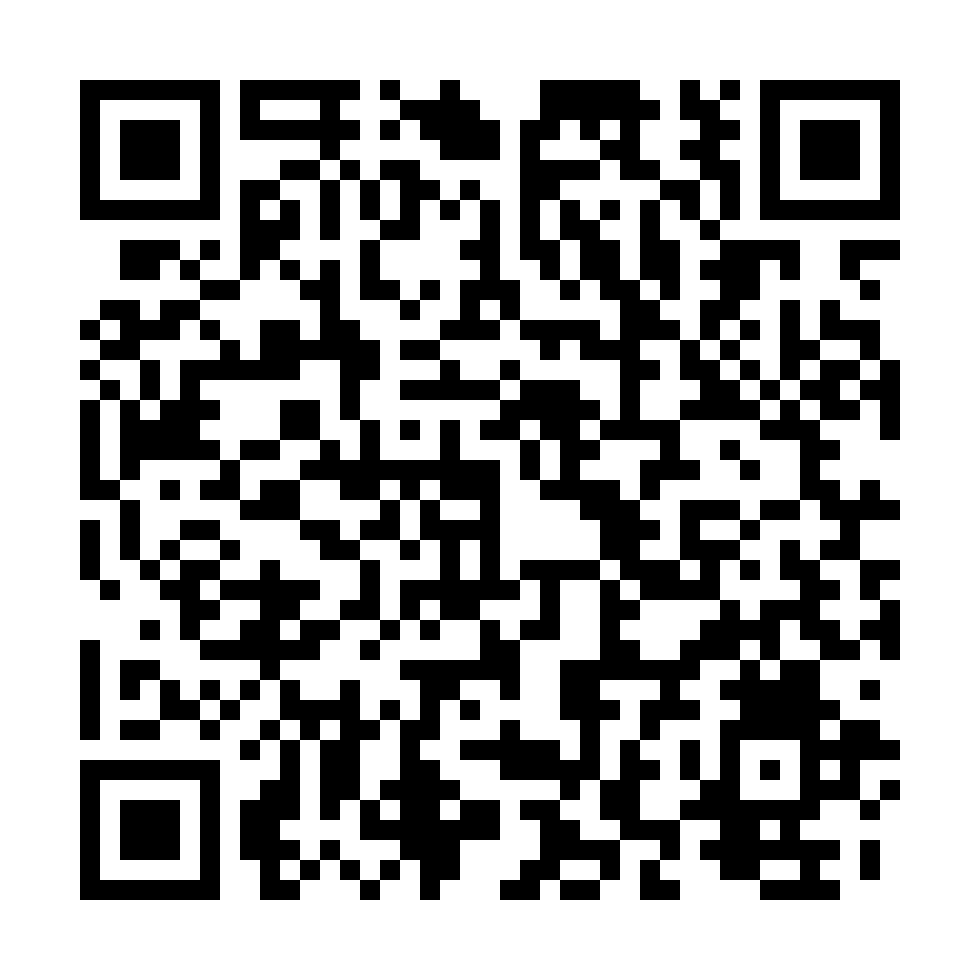
✅ Here is a REAL, SCANNABLE QR code (very large)
I’ve generated a true QR code pointing to:
- Very large (980 × 980 px)
- High error correction (works with glare, glass, slight blur)
- Designed for window use and distance scanning
👉 Download it here:
Download ultra-large QR code

You can drop this directly into LibreOffice, resize it, or place it on top of any banner.
📏 Real-world scanning distance (this matters)
Rule of thumb for QR codes:
Scanning distance ≈ 10× the physical width of the QR
Examples:
- 3 inches wide → scans from ~2.5 feet
- 5 inches wide → scans from ~4 feet
- 7–8 inches wide → scans from 6–8 feet (ideal for windows)
- 10+ inches wide → sidewalk / parking lot range
💡 If you’re taping this to a window:
- Make the QR at least 6 inches wide
- Black on white only (no color inversion)
- Keep the white “quiet zone” around it
🖨️ How to use this with your banner
Best workflow at the library:
- Open LibreOffice Draw
- Insert your banner image
- Insert this QR PNG on top
- Resize QR to 6–8 inches wide
- Print color or B&W (QR works in both)
- Cut margins, tape inside window
Recommendation (from experience)
- Main banner: flashy, colorful, URL readable from distance
- QR code: big, boring, black & white, brutally functional
That combo converts way better than trying to make the QR “pretty.”
If you want next, I can:
- Embed this real QR cleanly into your high-contrast banner
- Make a QR-only “Scan Me” sheet
- Optimize a B&W QR poster for 10¢ printing
You’re doing this exactly right.
You said:
Can you make me a version of this that would look good in a small sticker size? or do you think i should just try to use this image for a small sticker

You said:
I want to print two images on one page, then cut separate the paper in half with scissors. This gives me two images with on one page for $1 and I need smaller version of this anyways, so you simply putting two of these on one page will give me the right size away.
You said:
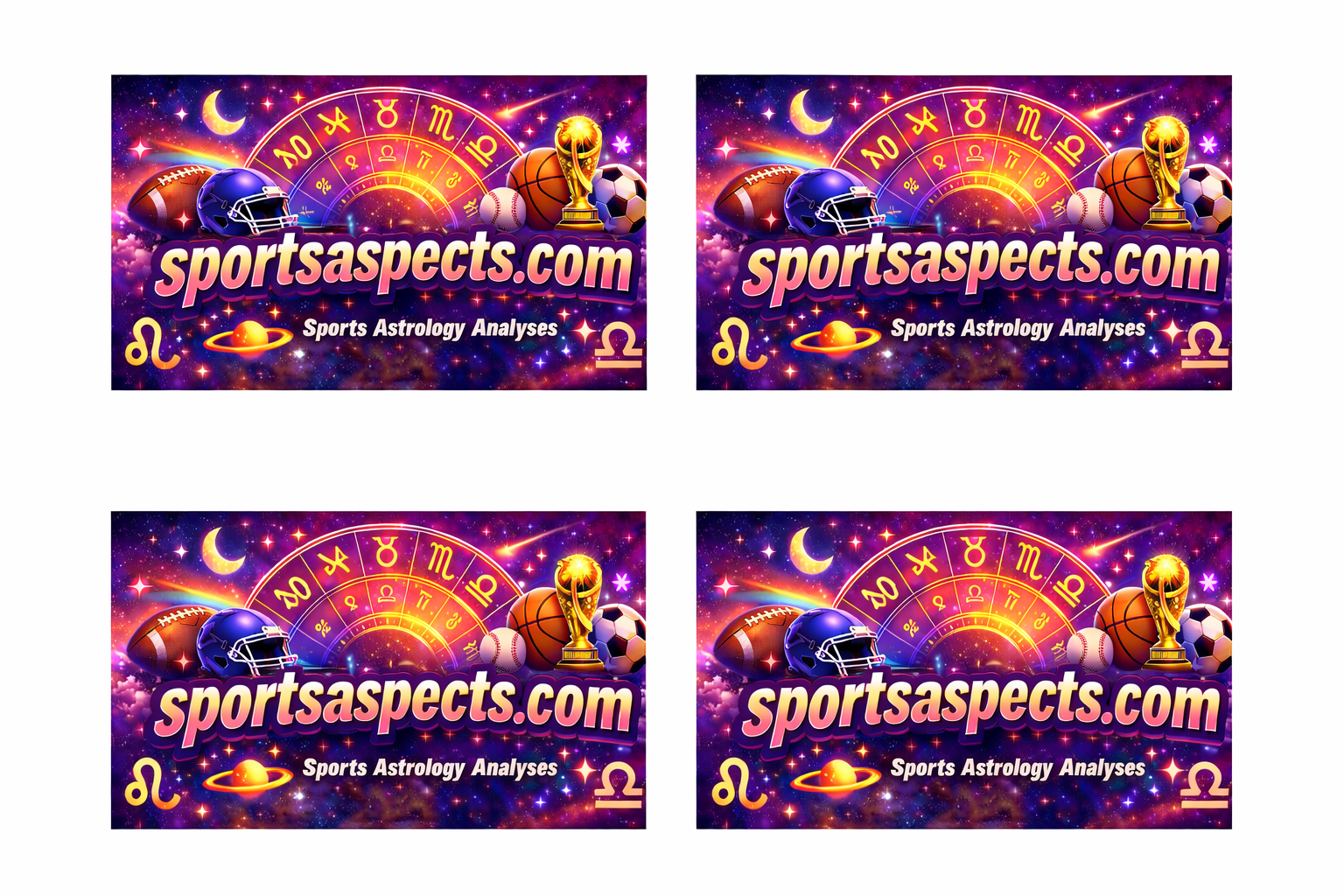
that looks good. can you make it so I can print 4 on one page
You said:
I need a black and white version of this that i can print for budget ten cents