
how does Claude command line tool work?

I want more information on Claude Code (CLI tool) such as how it works and stuff or a demonstration
Claude Opus 4.5 said:
I'll search for the latest information on Claude Code from Anthropic's documentation.Here's a comprehensive overview of Claude Code:
What is Claude Code?
Claude Code is Anthropic's agentic coding tool that lives in your terminal and helps you turn ideas into code faster than ever before. It understands your codebase and helps you code faster by executing routine tasks, explaining complex code, and handling git workflows—all through natural language commands.
How to Install
You need a Claude subscription (Pro, Max, Teams, or Enterprise) or a Claude Console account. Installation is simple via npm or Homebrew:
npm install -g @anthropic-ai/claude-code
# or
brew install claude-code
You'll be prompted to log in on first use, and Claude Code automatically keeps itself up to date.
Key Capabilities
Build features from descriptions: Tell Claude what you want to build in plain English. It will make a plan, write the code, and ensure it works.
Debug and fix issues: Describe a bug or paste an error message. Claude Code will analyze your codebase, identify the problem, and implement a fix.
Navigate any codebase: Ask anything about your team's codebase and get a thoughtful answer back. Claude Code maintains awareness of your entire project structure.
Takes direct action: Claude Code can directly edit files, run commands, and create commits.
Unix philosophy: Claude Code is composable and scriptable.
Common Workflows
Here are some typical ways developers use it:
- Finding code: Locate code related to a specific feature or functionality.
- Debugging: When you've encountered an error message, Claude will find and fix its source.
- Refactoring: Update old code to use modern patterns and practices.
Understanding a new codebase:
> give me an overview of this codebase
> explain the main architecture patterns used here
Special Modes
- Plan Mode: Instructs Claude to create a plan by analyzing the codebase with read-only operations, perfect for exploring codebases, planning complex changes, or reviewing code safely. Toggle with
Shift+Tabor start with--permission-mode plan. - Extended Thinking: For complex tasks, you can enable deeper reasoning by toggling with
Tabor using phrases like "think deeply about this."
Integration Options
Claude Code works with:
- VS Code and JetBrains IDEs
- GitHub Actions and GitLab CI/CD
- MCP (Model Context Protocol) for connecting to external tools like Google Drive, Figma, Jira, and Slack
Would you like me to create a visual demonstration artifact showing the Claude Code workflow, or dive deeper into any specific aspect like the CLI commands, MCP integrations, or the Agent SDK?
You said:
Well, I guess the best way for me to see how it works is to try it
Claude said:
Great idea! Let me check if Claude Code is available in this environment and give you a live demonstration.Unfortunately, Claude Code isn't installed in this environment, and I can't install it because network access is disabled here. Additionally, Claude Code requires authentication with your Claude subscription to work.
Here's how you can try it yourself:
You'll be prompted to log in, then you can start chatting naturally:
> explain this codebase
> fix the bug in auth.js
> add unit tests for the User model
Navigate to any project and run:
cd your-project
claude
Install it (takes about 30 seconds):
npm install -g @anthropic-ai/claude-code
Want me to create something to help you get started?
I could build:
- An interactive demo showing what a Claude Code session looks like (simulated UI)
- A sample project with a CLAUDE.md file and example commands you can try once you install it
- A cheat sheet of the most useful Claude Code commands and workflows
Which would be most helpful for you?
You said:
a cheat sheet
Claude said:
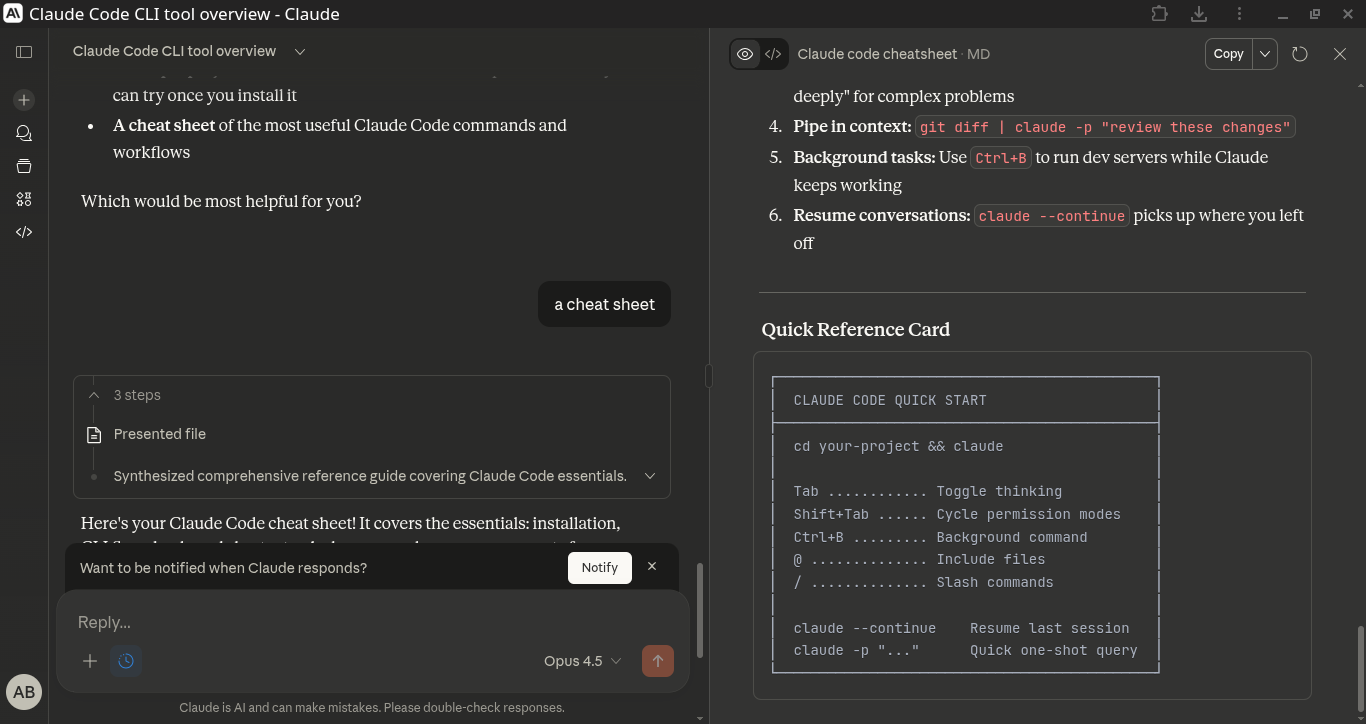
Here's your Claude Code cheat sheet! It covers the essentials: installation, CLI flags, keyboard shortcuts, slash commands, common prompts for different tasks, and some tips to get the most out of it.
The quick reference card at the bottom is handy to keep nearby when you're first getting started. Good luck!
Claude Code Cheat Sheet
Installation & Setup
npm install -g @anthropic-ai/claude-code   # Install via npm
brew install claude-code                    # Install via Homebrew
claude                                      # Start Claude Code
claude --version                            # Check version
Basic Usage
claude                          # Start interactive session
claude "your prompt here"       # One-shot query
claude -p "prompt"              # Print mode (non-interactive)
cat file.txt | claude -p "summarize this"   # Pipe input
Essential CLI Flags
| Flag | Description |
|---|---|
-p, --print |
Non-interactive mode, prints response and exits |
--continue |
Resume most recent conversation |
--resume |
Select a past conversation to resume |
--output-format text|json |
Control output format |
--permission-mode plan |
Start in plan mode (read-only) |
--mcp-debug |
Debug MCP server issues |
Keyboard Shortcuts
| Shortcut | Action |
|---|---|
Tab |
Toggle extended thinking on/off |
Shift+Tab |
Cycle permission modes (Normal → Auto-accept → Plan) |
Ctrl+C |
Cancel current operation |
Ctrl+B |
Run bash command in background |
Escape |
Exit menus/dialogs |
Slash Commands
| Command | Description |
|---|---|
/help |
Show help |
/config |
Open configuration menu |
/permissions |
Manage tool permissions |
/mcp |
Manage MCP servers |
/doctor |
Diagnose issues |
/vim |
Toggle vim keybindings |
/output-style |
Change output style (default/explanatory/learning) |
/tasks |
View background tasks |
/release-notes |
View latest changes |
/clear |
Clear conversation |
@ Mentions
@src/utils/auth.js              # Include file contents
@src/components/                 # Include directory
@github:repos/owner/repo/issues  # MCP resource
Common Prompts
Understanding Code
give me an overview of this codebase
explain the main architecture patterns
what are the key data models?
how is authentication handled?
explain the logic in @src/utils/auth.js
Finding Code
where is the user registration logic?
find all API endpoints
show me where errors are handled
Writing Code
create a REST API endpoint for user profiles
add input validation to the signup form
implement pagination for the product list
Debugging
fix the bug causing "TypeError: undefined is not a function"
why is this test failing? [paste error]
find and fix the memory leak
Refactoring
refactor this to use async/await
update this code to use TypeScript
extract this into a reusable component
Testing
add unit tests for the User model
write integration tests for the auth flow
increase test coverage for @src/utils/
Git & PRs
create a commit for these changes
write a PR description for my changes
summarize what changed since last release
Permission Modes
| Mode | Indicator | Behavior |
|---|---|---|
| Normal | ⏵ |
Asks permission for edits |
| Auto-accept | ⏵⏵ |
Auto-approves file edits |
| Plan | ⏸ |
Read-only, no modifications |
Project Configuration
Create CLAUDE.md in your project root to give Claude context:
# Project Overview
This is a React + Node.js e-commerce app.

## Tech Stack
- Frontend: React 18, TypeScript, Tailwind
- Backend: Node.js, Express, PostgreSQL

## Conventions
- Use functional components with hooks
- Follow REST API naming conventions
- Write tests for all new features
Tips & Tricks
- Start broad, then narrow: Begin with "overview of this codebase" before diving into specifics
- Use Plan Mode for exploration: When you just want to understand code without changing anything
- Enable extended thinking: Press
Taband use phrases like "think deeply" for complex problems - Pipe in context:
git diff | claude -p "review these changes" - Background tasks: Use
Ctrl+Bto run dev servers while Claude keeps working - Resume conversations:
claude --continuepicks up where you left off
Quick Reference Card
┌─────────────────────────────────────────────┐
│  CLAUDE CODE QUICK START                    │
├─────────────────────────────────────────────┤
│  cd your-project && claude                  │
│                                             │
│  Tab ............ Toggle thinking           │
│  Shift+Tab ...... Cycle permission modes    │
│  Ctrl+B ......... Background command        │
│  @ .............. Include files             │
│  / .............. Slash commands            │
│                                             │
│  claude --continue    Resume last session   │
│  claude -p "..."      Quick one-shot query  │
└─────────────────────────────────────────────┘